Verity BE by Undertaletalelover
Project ID 1574632. On August 24, the main file was Verity 4.0.0 for 26.40. The page still listed thatmobyt as an Author and required Beta APIs.
Open Verity BE Verity Mod Minecraft
Bedrock guide, reviewed August 24, 2026
Compare the current add-on projects, versions and setup notes before putting an mcaddon file into your world.
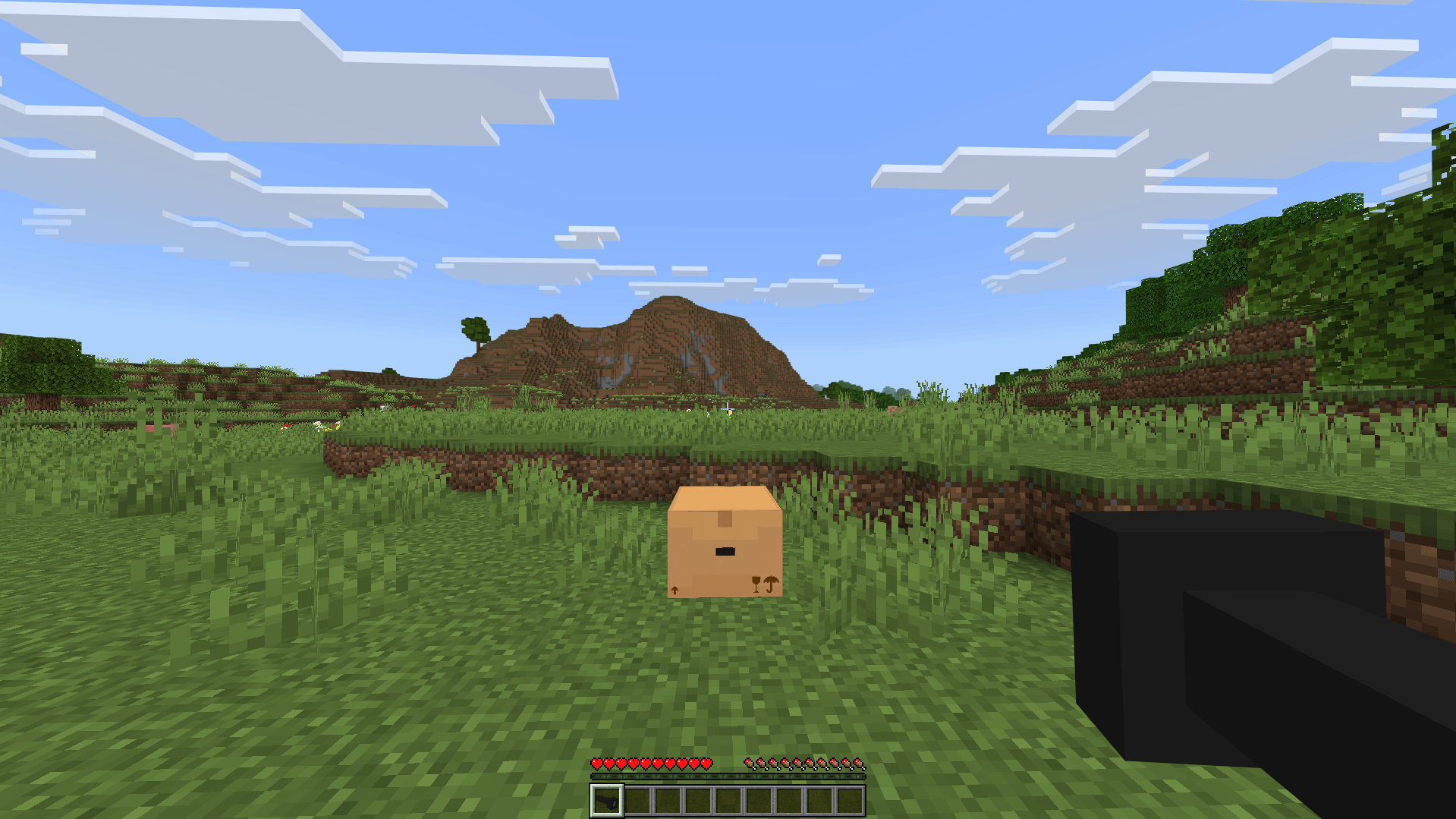
 Verity BE gallery image. Open the source project for the current file.
The names overlap, but the maintainers, project IDs and instructions do not.
Project ID 1574632. On August 24, the main file was Verity 4.0.0 for 26.40. The page still listed thatmobyt as an Author and required Beta APIs.
Open Verity BEProject ID 1575941. On August 24, the main file was ThatMob's Verity 4.0.0 for 26.40, released August 20 with its own setup and support path.
Open PnTMC projectDo not choose only from a filename copied into an old guide.
| Project | File shown on August 24 | Important setup signal | Do not assume |
|---|---|---|---|
| Verity BE | Hotfix 4.0.0 for 26.40 | Setup text still required 26.30; Beta APIs and a connect step were listed | That a filename alone proves compatibility with every Bedrock update |
| PnTMC Bedrock | 4.0.0 for 26.40 | Experiments or Beta APIs are required; the page warns about conflicting held-item texture packs | That its files or support path are the same as Verity BE |
| Verity JE | Java Edition JAR files | Uses Forge or NeoForge profiles | That a Java JAR can be imported into Bedrock or Android |
Keep the setup tied to the exact file page. These projects depend on more than importing a package.
These are source gallery images, not mock screenshots. Open any card to verify it on the matching CurseForge project.
No. Verity JE is a Java Edition JAR. Bedrock uses add-on packages such as mcaddon files and has different setup requirements.
CurseForge currently hosts separate projects with separate owners. Verity BE labels itself Official and lists thatmobyt as an Author. PnTMC's project credits ThatMob and also lists thatmobyt as an Author. Verify each exact page rather than treating the projects as interchangeable.
On August 24, CurseForge listed Verity BE 4.0.0 for 26.40 while the project setup text still said Minecraft 26.30 was required. Check the live file and setup notes before updating a world.
Both checked CurseForge descriptions tell users to enable experiments or Beta APIs. Follow the instructions for the exact project and version you choose.